

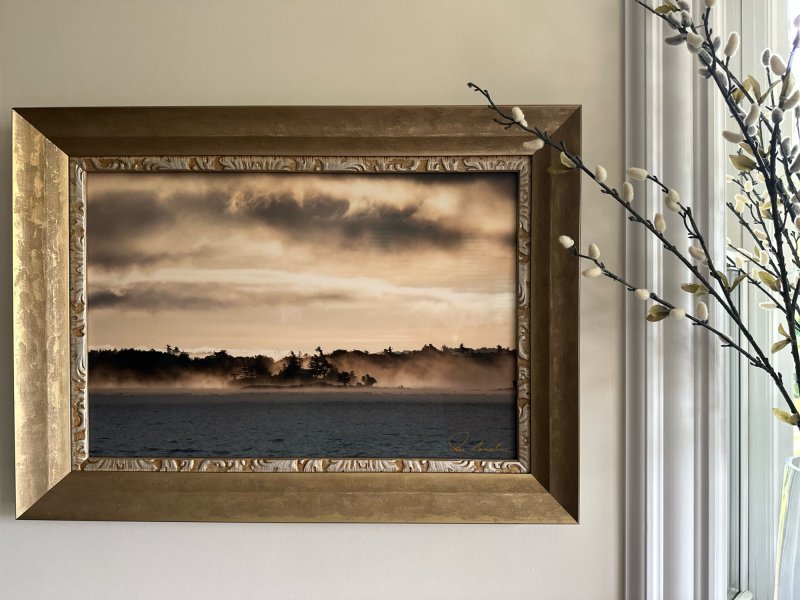
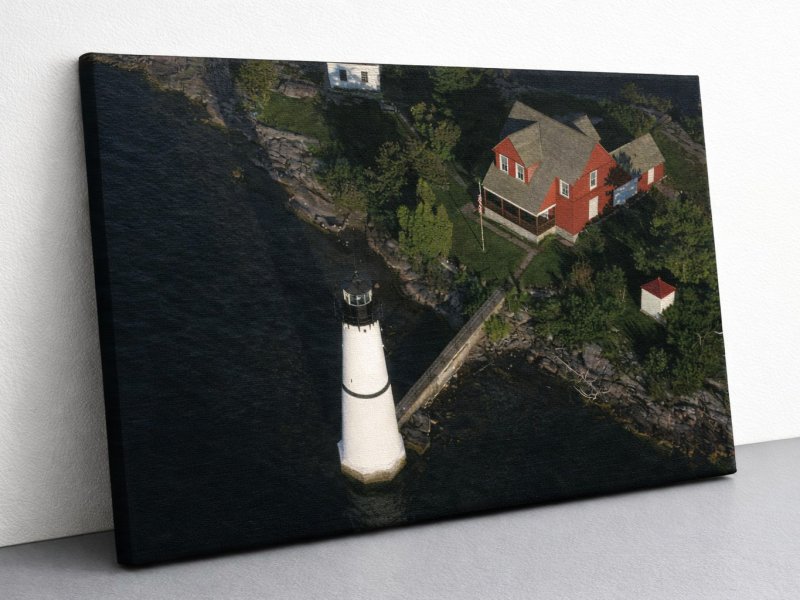
For more than two decades, Ian Coristine photographed the 1000 Islands from perspectives few people ever experienced. Today, his images continue to offer a remarkable view of the River and the extraordinary place he came to call home.
Discover Ian’s Story
Bring the 1000 Islands Home
Stay Connected to the River
Join us for stories from the archive, rediscovered photographs, exhibitions, events and glimpses into the 1000 Islands through Ian’s lens.